


The problem
Client reporting for a GoHighLevel agency often starts with a login. You open a client's sub-account, find the contacts or the pipeline, export a CSV, then do the same for the next client. The numbers you need are simple. Getting to them is not.
Multiply that by every client and every reporting cycle, and the CRM part of a report takes longer than it should.
What Toffu now does
Toffu now connects to GoHighLevel and reads your CRM data from chat. You can:
- List the sub-accounts your agency token can access, including locations granted through inherited access
- List contacts and opportunities, with filters
- Pull up an individual contact or opportunity
When a list has more results than fit in one answer, Toffu tells you, so you can ask for the rest.
The access is read-only. Toffu reads records so you can report on them and answer questions. It does not change anything in GoHighLevel.
How to set it up
- Open integrations in Toffu. You can connect GoHighLevel at company, client or team level.
- Choose a scope. Pick agency if you manage several client sub-accounts. Pick sub-account if you only manage one location.
- Paste your token. Agency tokens do not need a Location ID. Sub-account tokens need the Location ID of that sub-account. The form shows which permissions each scope needs.
- Save. Toffu checks the token before saving it. If it is rejected, the form stays open with guidance on the required scopes, and any existing connection is not replaced.
How to use it in chat
Start by checking what Toffu can see:
Which GoHighLevel sub-accounts can you access?
Then ask for the data you need for a client report:
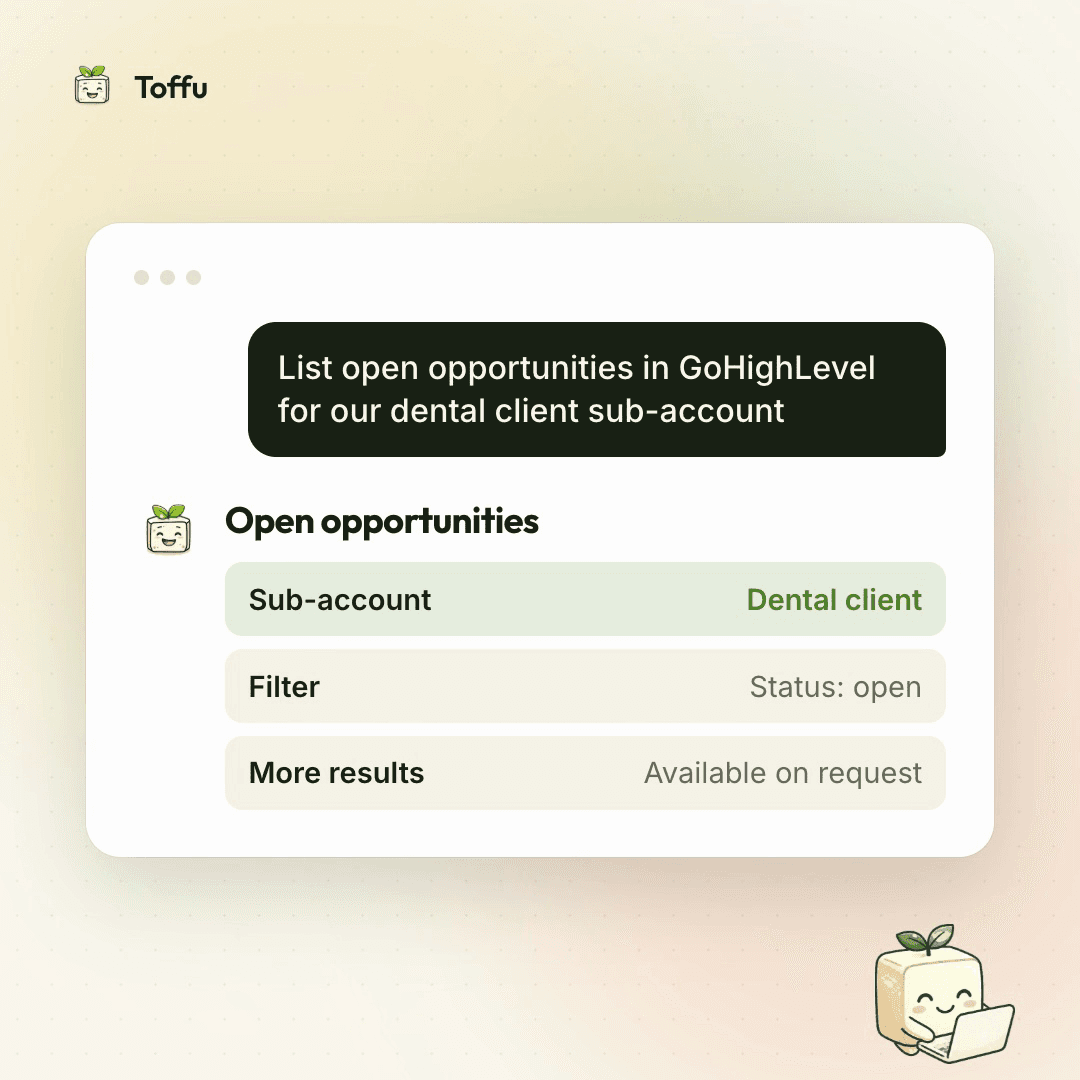
List open opportunities in GoHighLevel for our dental client sub-account
Or go straight to a single record:
Show me the full record for this contact in GoHighLevel
You can refine any list with follow-up questions in the same chat, and ask for more results when Toffu says there are more.
Why it saves time
The time goes into the steps around the data, not the data itself. With Toffu connected:
- There is no CSV export to download, clean and paste
- There is no logging into each client sub-account to answer one question
- The CRM side of a report sits in the same chat as the ad and analytics data Toffu already reads
One agency token covers the sub-accounts you have access to, so adding the CRM view for another client does not mean another connection.
Who it is for
This is for agencies running GoHighLevel for their clients, especially those managing several sub-accounts under one agency account. It also works for in-house teams or freelancers who manage a single location, using a sub-account token and its Location ID.
If the CRM section of your client reports still starts with a login and an export, connect GoHighLevel in Toffu and ask your first question in chat.