


Every agency has the same Monday. Pull last week's numbers from Google Ads, Meta and GA4. Paste them into a template. Write three bullets about what changed. Export, attach, send. Do it again for the next client.
White label reporting tools solved the branding part of that problem years ago. Your logo goes on the dashboard, your domain goes in the link, and the client never sees the vendor's name. What they did not solve is the work in the middle: deciding what the numbers mean and writing it down.
This post covers what white label reporting needs to include, where the usual tools stop, and how an AI agent changes the workflow.
What White Label Reporting for Agencies Has to Include
A report is white label when the client sees only your agency. In practice, that means four things:
- Your domain in the link. A link on
reports.youragency.comreads as your work. A link on a vendor's domain tells the client which tool you pay for. - Your brand on the page. Logo, colors, and a layout the client recognizes from one month to the next.
- Access control. Client data should not sit on a public URL that anyone with the link can open.
- The same structure for every client. If each account manager builds reports their own way, the agency looks like five freelancers sharing a logo.
Most dedicated reporting tools cover the first two well. Free tools often do not. Basedash's 2026 comparison of client reporting tools notes that Google Looker Studio does not support white labeling, so Google's branding stays visible on every report.
Where Template-Based Reporting Stops
Template tools are good at one thing: putting the same charts on the same page every month. The trouble starts when a client asks a question the template did not plan for.
- "Why did cost per lead go up on Meta last week?"
- "Can you split this by the new landing page?"
- "What happened after we paused the brand campaign?"
Each one means someone opens the ad account, digs for the answer, and either edits the template or writes a separate email. The report shows numbers. The account manager still supplies the meaning.
Many tools now add an AI summary on top of the dashboard. That helps with the three bullets at the top. It does not change who has to answer the follow-up question.
How AI Reporting Changes the Workflow
With an AI agent, the report starts as a request, not a template. In Toffu, you ask in chat:
"Build a weekly performance report for this client from Google Ads, Meta and GA4. Start with a three-bullet summary, show spend, conversions and cost per conversion by channel, and end with three next steps."
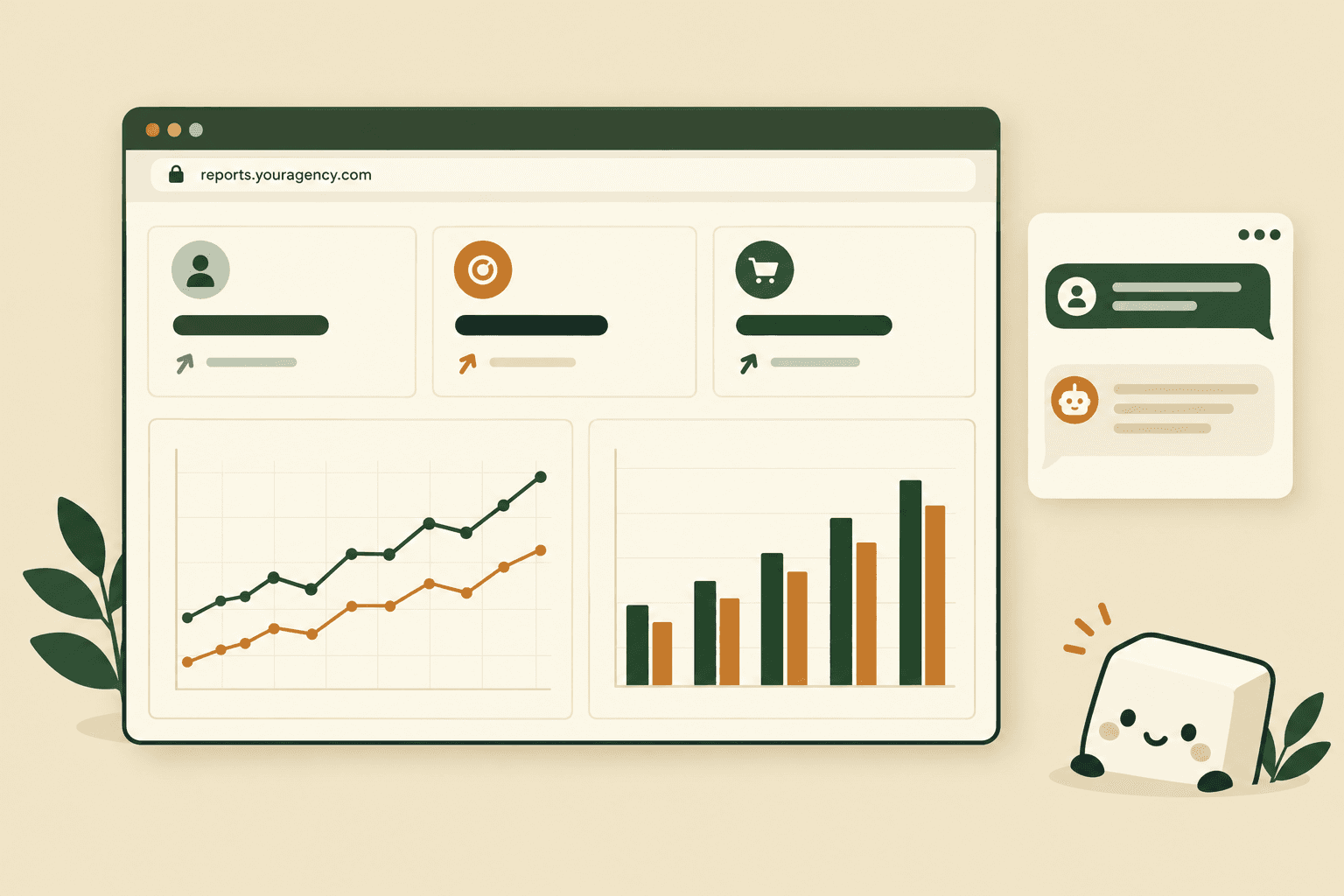
Toffu pulls the data from the client's connected accounts, builds the report, and publishes it as a web page with a share link. If something looks off, you say so in the same chat and it fixes the page.
Four settings make that page white label.
Report Links on Your Own Domain
In AI Settings → Report domain, an agency owner or admin enters a hostname they control, such as reports.youragency.com. Toffu shows a CNAME target. You point your DNS at it, and the status changes to active once the domain is verified.
From then on, report links use your domain instead of toffu.ai. The setting lives at the agency level, so every client workspace under the agency uses the same domain without setup per client.
A Password on Every Report
The Password-protect every report setting forces a password on every report Toffu creates for that workspace. Toffu generates a password for each new report and returns it with the share link, so you send both to the client.
One Report Format for the Whole Agency
Toffu stores instructions as skills, and an agency can save a skill once for every client. We covered this in how Toffu works as an agency operating system. For reporting, that means one rule such as "every report starts with a three-bullet summary, uses the same section order, and ends with three next steps" applies to every client workspace. New account managers get the agency's format on their first report.
Because Toffu builds the page itself, the same skill can carry your logo and brand colors, so every report looks like it came from your agency.
Live Data and Answers Inside the Report
A report can be a live dashboard instead of a snapshot. The page loads current numbers from the connected accounts when the client opens it, so nobody re-sends a PDF every week.
The agency can also allow a report chatbot: a chat on the shared report that answers questions from the report's data. In AI Settings → Report chatbot, an agency admin chooses which client workspaces may add it: all clients, selected clients, or none. Each report still turns it on separately.
That is the part template tools do not cover. The client asks "which campaign drove most of the conversions?" on the report itself, and gets an answer without a new email to the account manager.
White Label AI Reporting Tools Compared
Most agencies shortlist four or five tools. This table compares them on what this post covers: whose name the client sees and what the AI does. Details are from each vendor's site in November 2026 and change often, so check before you buy.
Sources: AgencyAnalytics plans and AI reporting tools, DashThis plans, Whatagraph plans, Google's Data Studio page, Toffu for agencies.
How to Read the Table
AgencyAnalytics is the default for many agencies, with full white labeling built in. Its AI explains the data that is already on the dashboard.
DashThis is quick to set up and removes its own branding completely. The built-in AI Insights are fixed presets. Asking your own questions needs the chat add-on.
Whatagraph aims at agencies with large, complex reporting needs. A custom report domain needs the top plan plus an add-on.
Looker Studio connects natively to Google products. You pay in setup time, and your clients see Google's name on every report.
Toffu is not only a reporting tool. The same agent also checks accounts, fixes campaign issues and does campaign work in Google Ads, Meta, DV360 and other platforms. If you only need reports, a dedicated tool may be enough. If your team also spends hours answering client questions and acting on the numbers, an agent covers that work too.
When a Dedicated Reporting Tool Is Still the Right Choice
AI reporting is not the answer for every agency. A dedicated tool such as AgencyAnalytics or DashThis may suit you better when:
- You want a fixed dashboard that looks the same every month, and your clients never ask follow-up questions.
- Your team does not want to write requests in chat and prefers to drag widgets onto a canvas.
- You need a connector to a niche platform that your AI tool does not support.
If your reporting time goes into explaining numbers, not formatting them, an agent saves more of it.
Getting Started
- Connect each client's ad and analytics accounts in their Toffu workspace.
- Set your report domain and the password setting in AI Settings.
- Save your report format as an agency skill.
- Ask Toffu for the first report, check it, and send the link and password to the client.
For more on how agencies use Toffu day to day, see the Toffu blog.