


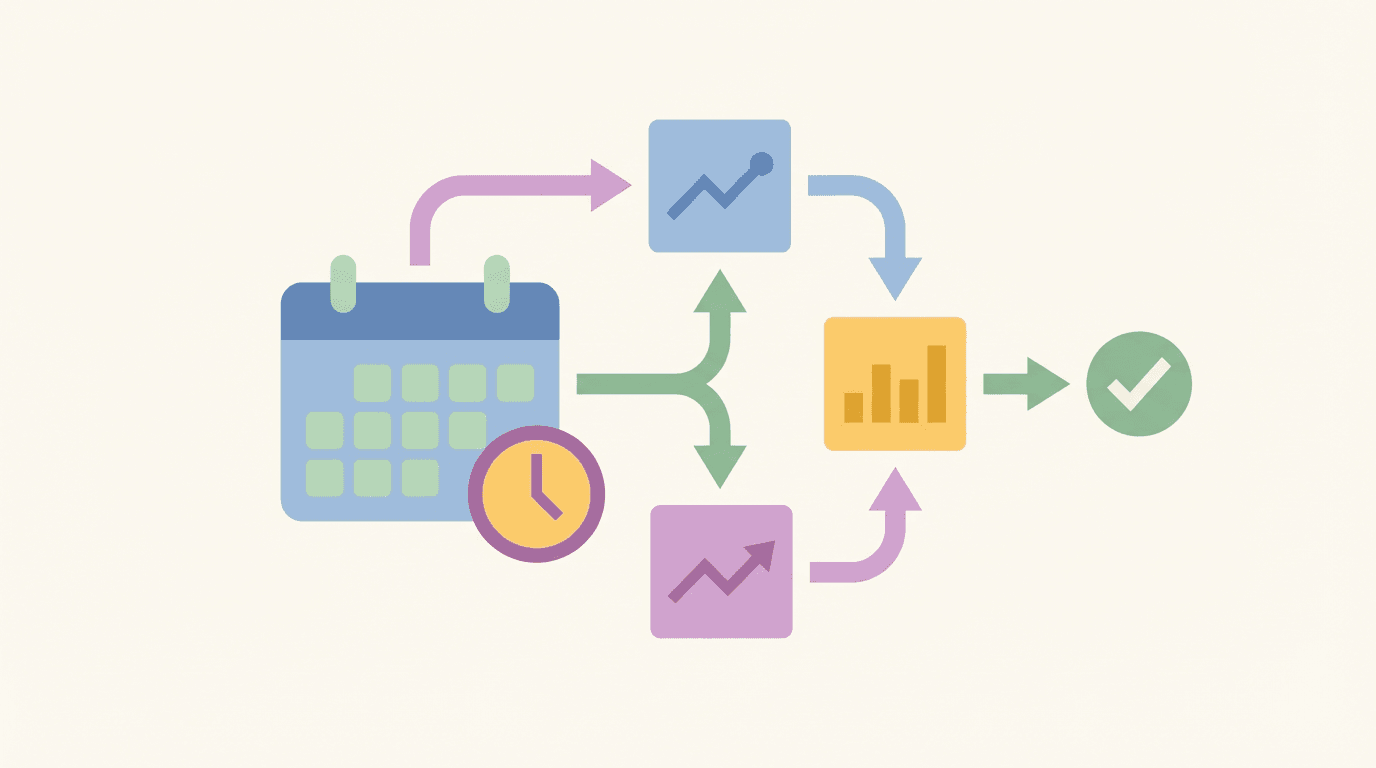
Most marketing teams check the same sources every week: competitor websites, ad libraries, Google Search Console, social feeds, review platforms. The information is useful. The process of collecting it manually is not.
The average marketing team spends 5-10 hours per week on recurring monitoring tasks that produce no creative output, just inputs for decisions. Scheduled task automation eliminates this entirely. You define what you want to monitor, how often, and where to send the output. The system runs it without you.
This guide covers how to set up automated market trend monitoring for the tasks that actually matter: competitor activity, ad performance, brand mentions, content gaps, and weekly reporting.
What Is Scheduled Task Automation for Marketing?
A scheduled task is a predefined prompt or workflow that runs automatically on a fixed schedule (daily, weekly, monthly) and delivers output to wherever you need it: Slack, email, WhatsApp, Google Docs, or a spreadsheet.
Unlike traditional automation tools that move data between systems (Zapier, Make), marketing-specific scheduled tasks use AI to interpret data and produce actionable output. The difference matters:
- Zapier sees a new form submission, adds it to a spreadsheet. It moves data.
- A marketing scheduled task checks competitor pricing weekly, compares to your prices, flags changes over 5%, formats as a table, sends to Slack. It interprets data and acts.
The result is a persistent monitoring layer that runs in the background while your team focuses on work that actually requires human judgment.
The 5 Market Monitoring Tasks Worth Automating
1. Weekly Competitor Ad Tracking
Manually checking Meta Ads Library, Google Ads Transparency Center, and LinkedIn ads for every competitor is a 2-3 hour weekly task. Automated, it takes zero time.
What to monitor:
- New ads launched (creative type, messaging angle, CTA)
- New offers or positioning changes
- Which formats they're scaling (video, carousel, static)
Example scheduled task prompt:
Schedule a weekly task on Monday at 9am: Check the Meta Ad Library for new ads
from [competitor names]. For each new ad, note the creative type, messaging angle,
and call-to-action. Flag any new offers or positioning changes. If no new ads,
confirm monitoring is running.
Tools that give you this data: Meta Ads Library, Google Ads Transparency Center, LinkedIn Ad Library. Toffu can query all three on a schedule and deliver a unified digest.
2. Daily Brand Mention Alerts
A negative review or press mention can sit unaddressed for days if you're only checking manually. Automated daily monitoring catches it within 24 hours.
What to monitor:
- New Google Business Profile reviews (especially negative)
- Brand mentions across social, news, and forums
- Competitor mentions that create PR opportunities
Example scheduled task prompt:
Schedule a daily task at 8am (weekdays only): Check Google Business Profile for
new reviews from the last 24 hours. For each review, draft a response using a
professional, helpful tone. Flag any reviews under 3 stars for immediate attention.
Always send this digest even if empty.
The "always send even if empty" instruction is important. Silence from a monitoring task can mean it broke, not that nothing happened.
3. Weekly Market Trend Digest
Industry news, competitor content, trending topics in your category. This is the context that should inform your content calendar, messaging, and product decisions. Most teams collect it ad hoc. A scheduled digest makes it systematic.
What to monitor:
- What competitors published last week (blog, LinkedIn, Twitter)
- Trending topics and questions in your industry
- Any new messaging or product announcements from competitors
Example scheduled task prompt:
Schedule a weekly task on Monday at 8am: Summarize what [competitor names]
published last week across their blog, LinkedIn, and Twitter. Identify topics
they're focusing on, any new messaging, and content gaps we could fill.
Keep it to bullet points.
4. Weekly Ad Performance Summary
Instead of opening Google Ads and Meta Ads every Monday morning and manually building a picture of last week's performance, let a scheduled task do it.
What to monitor:
- Spend, impressions, clicks, CTR, conversions by campaign
- Any campaigns with CTR below threshold or CPA above target
- Budget pacing vs. monthly allocation
Example scheduled task prompt:
Schedule a weekly task on Monday at 8am: Pull performance for all active ad
campaigns across Google Ads and Meta Ads. Show spend, impressions, clicks, CTR,
and conversions for each campaign. Flag any campaigns with CTR below 1% or cost
per conversion above $50. Format as a table.
Daily budget pacing check:
Schedule a daily task at 9am (weekdays only): Check ad spend pacing across all
platforms. If any campaign is on track to exceed monthly budget by more than 10%,
alert me with the campaign name and projected overspend.
5. Monthly Competitor Analysis Report
A full competitive landscape review is a quarterly or monthly task in most teams, and it rarely happens on schedule because it's time-consuming. Automated, it becomes a consistent monthly deliverable.
What to monitor:
- Competitor ad activity across Meta, Google, and LinkedIn
- Common messaging themes across the category
- New products, offers, or positioning changes
- Creative formats being scaled vs. wound down
Example scheduled task prompt:
Schedule a monthly task on the 1st: Analyze competitor advertising across Meta,
Google, and LinkedIn ad libraries. Summarize: which competitors are most active,
what messaging themes are common, any new products or offers being promoted, and
creative formats being used. Format as a report with a summary section and
detail by competitor.
How to Write a Good Scheduled Task Prompt
The quality of your monitoring output depends entirely on the specificity of the prompt. Vague prompts produce vague outputs.
Vague:
Monitor competitor pricing weekly
Specific:
Schedule a weekly task on Monday at 8am: Check competitor pricing pages for
Product X, Y, and Z. Compare to our current prices at [URL]. Flag any changes
greater than 5%. Format as a table: competitor name | product | their price |
our price | % difference.
Four rules for good scheduled task prompts:
1. Specify the output format. Table, bullet list, prose, or a mix. Tell it exactly what you want delivered.
2. Include what to do when there's nothing to report. Choose deliberately between "send confirmation" vs. "don't send if empty".
3. Test before scheduling. Run the prompt manually first. Iterate until the output is exactly right, then schedule it.
4. Include context in the prompt. Scheduled tasks run without your conversation history. Include competitor names, URLs, thresholds, and any relevant details.
Tools for Marketing Scheduled Task Automation
The key distinction: Zapier, Make, and n8n automate data flows. They move and trigger. Toffu's scheduled tasks interpret data and produce marketing-specific outputs: competitor summaries, performance flags, draft responses, content ideas. Different use cases, often complementary.
Setting Up Your First Monitoring Stack
Start with three tasks that give you immediate value without setup complexity:
Week 1: Daily review monitoring Set up a daily digest of new Google Business Profile reviews with draft responses. Takes 5 minutes to configure, saves 20+ minutes daily.
Week 2: Weekly competitor ad tracker Set up a Monday morning digest of new competitor ads from Meta Ads Library. Gives your team context before the week starts.
Week 3: Weekly ad performance summary Set up a Monday morning pull of last week's Google Ads and Meta Ads performance. Replace your manual Monday morning dashboard review.
After 3 weeks you have a monitoring layer running automatically. Add tasks incrementally based on what you actually use.
What Scheduled Monitoring Can't Replace
Automation handles the collection and initial interpretation. It doesn't replace:
- Strategic decisions about what the data means for your positioning
- Creative responses to competitive moves
- Judgment calls about when to act vs. when to watch
The goal isn't to automate marketing. It's to eliminate the low-value information-gathering work so your team can spend more time on the decisions only humans should make.